The stylish, free alternative to Windows
A new OS you can just ask. And it gets it done.
A complete, free desktop for PCs and ARM laptops, with its own assistant, kortex. Say what you need in plain words, and it fixes the printer, installs the app or files the ticket. The AI is yours to pick: your own model on your computer, a European one if you like, or a cloud.
Meet kortex
Say what you need. kortex does it.
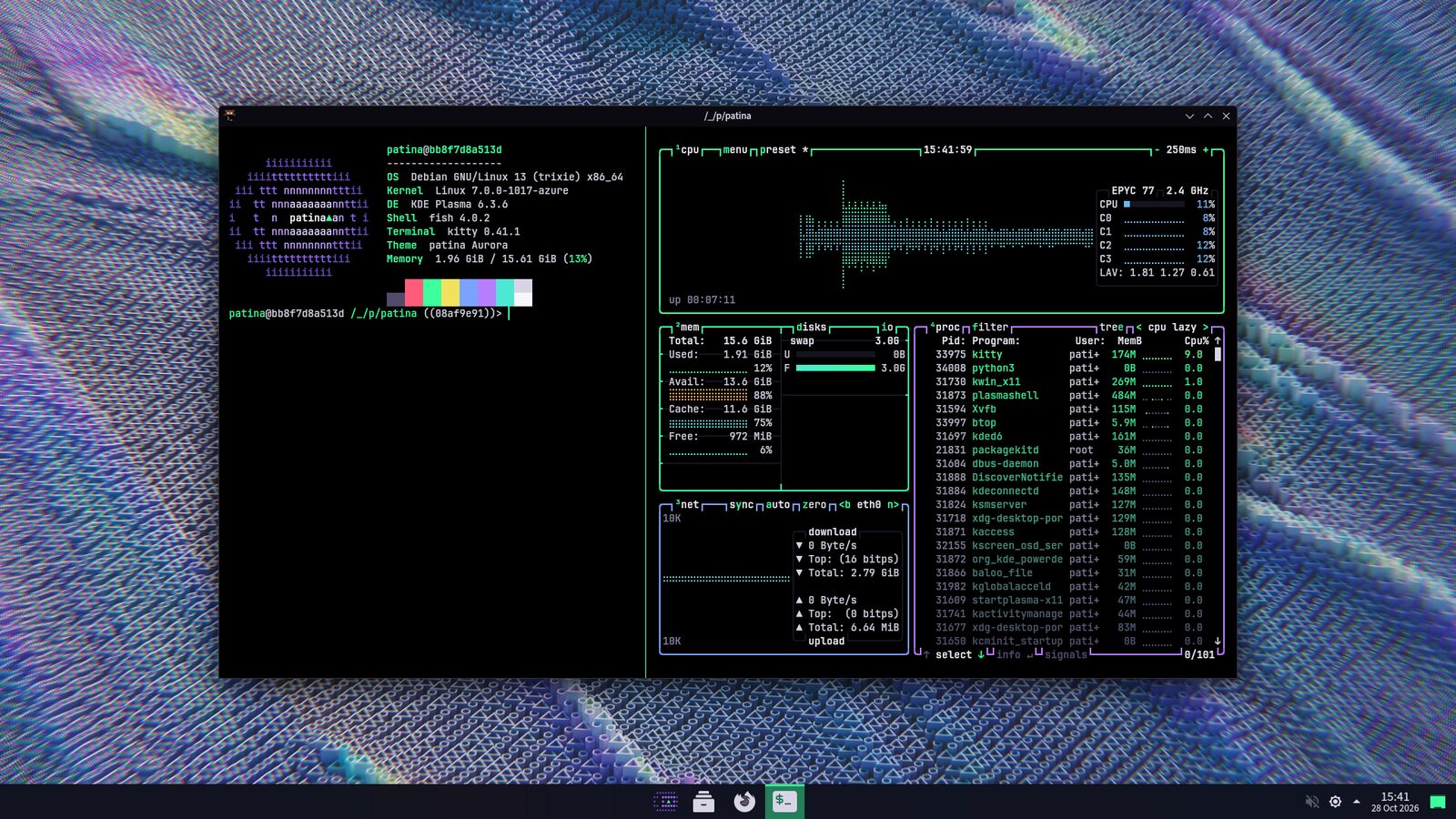
Press Windows + Space, type ai and what you need. kortex hands it to the AI agent you pick and gets it done: opencode asks before every change; Hermes remembers you and asks only before a risky command. It stays off until you turn it on, in the installer or later.
Your AI, your choice
Your own model right on your PC, like Mistral's from France: private, and it works offline. Or a cloud, European ones first.
Works with your things
Your PC's settings, apps and printer, and the services you connect: Linear, Notion, GitHub and Nextcloud. Ask kortex to connect one, or run patina ai connect.
Day one
Everything you need is already there.
One good, free app for every everyday job.
Thunderbird
All your accounts in one inbox.
Nextcloud
Sync in the EU or on your own server.
Euro-Office
Opens Word, Excel and PowerPoint files.
KeePassXC
Passwords in a file only you hold.
Firefox ESR
Telemetry and sponsored content off.
Element
Encrypted chat on Matrix.
Gwenview, Haruna, Okular
Photos, video and PDFs.
Tauon, Zed
Music, and code when you get curious. One command adds them.
Office work, covered: Euro-Office and Nextcloud
Euro-Office, the free office suite from a European consortium, opens and saves Word, Excel and PowerPoint files on your computer. No account, no subscription, and it works offline.
Nextcloud adds what Microsoft 365 does online: your files on every device, shared folders, calendars and contacts, and editing together in the browser.
One thing you bring: a Nextcloud to connect to, on your own server or hosted in the EU. patina sets up the apps, not the cloud.
- DocumentsLetters, reports,
.docxEuro-Office - SpreadsheetsBudgets and lists,
.xlsxEuro-Office - PresentationsSlides,
.pptxEuro-Office - Files everywhereSync, share, phone and PCNextcloud
- Editing togetherThe same file, at the same timeNextcloud
- Calendar and contactsSynced into ThunderbirdNextcloud
Creative work: the ArtCraft suite
Optional · ready for early useFree counterparts of Photoshop, Illustrator, Premiere, Acrobat, Figma and more. One launcher installs the ones you pick and keeps them up to date.
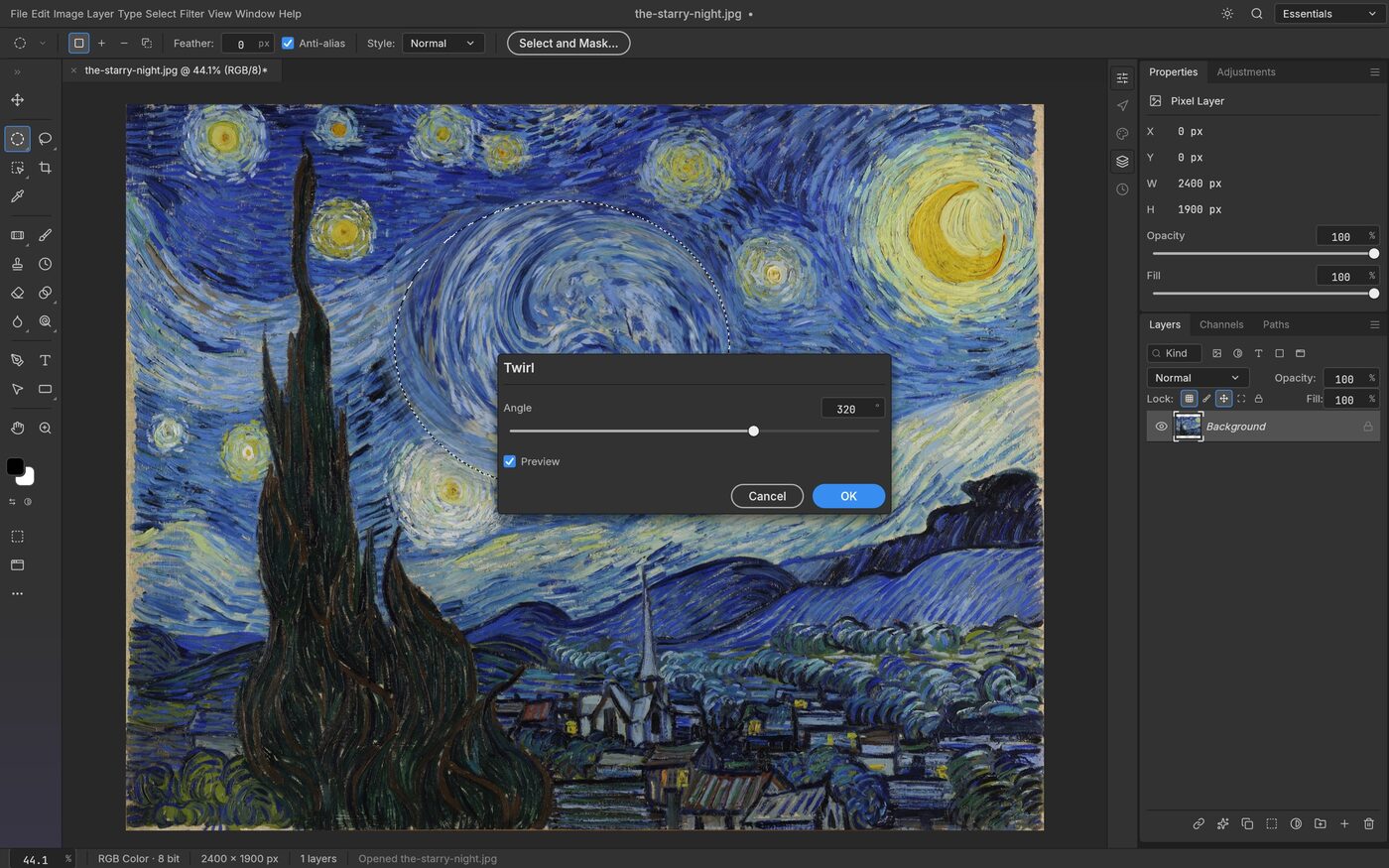
And PhotoCraft is one of thirteen, all ready for early use:
- PhotoCraftPhoto editingEarly access
- PdfCraftPDFsEarly access
- FigCraftInterface designEarly access
- VectorCraftIllustrationEarly access
- FilmCraftVideo editingEarly access
- LightCraftPhoto libraryEarly access
- EffectCraftMotion graphicsEarly access
- DesignCraftPage layoutEarly access
- CADCraftTechnical drawingEarly access
- SoundCraftAudioEarly access
- WordCraftWritingEarly access
- GridCraftSpreadsheetsEarly access
- DeckCraftSlidesEarly access
- LauncherInstalls and updates themEarly access
PCs and ARM
The same patina on ARM laptops.
No separate ARM edition and no cut-down version: the same apps and look, for x86-64 PCs and 64-bit ARM. The ARM installer is built and boot-tested with every change, next to the PC one, and comes out once it has passed its first real install.
- Today
PCs and virtual machines
x86-64 with the installer; 64-bit ARM on Debian with one command.
- Next
Raspberry Pi 4
From Debian's own Raspberry Pi image.
- Coming
Snapdragon X Elite laptops
Like the ThinkPad T14s Gen 6 and the Yoga Slim 7x. Debian already runs on them.
- Later
Snapdragon X2 Elite
Once Debian's kernel supports the new chips.
- Eventually
Nvidia RTX Spark laptops
Windows-only for now. patina follows as soon as Linux runs on them.
Apple Silicon Macs: in a virtual machine today, with Debian 13 for ARM in UTM and patina's install command. Natively once Debian's own kernel supports these Macs; the Asahi Linux project is bringing that support to Linux.
What patina stands for
Three promises that come with every install.
Free software by default
Every app it installs is free and open source. Anything else is opt-in.
Your data stays close
No account to create, no telemetry. Your files sync where you choose.
A new OS on a trusted base
Debian 13 underneath. Security updates come straight from Debian.
The look
One look, from the first screen to the last.
Installer, login, apps and terminal share one theme, in light or true-black dark.
- A centred taskbar, like Windows 11.
- Windows open in the middle.
- One quiet colour for every icon.
Light mode
Dark mode, true black
Where things stand
Early, open, and moving step by step.
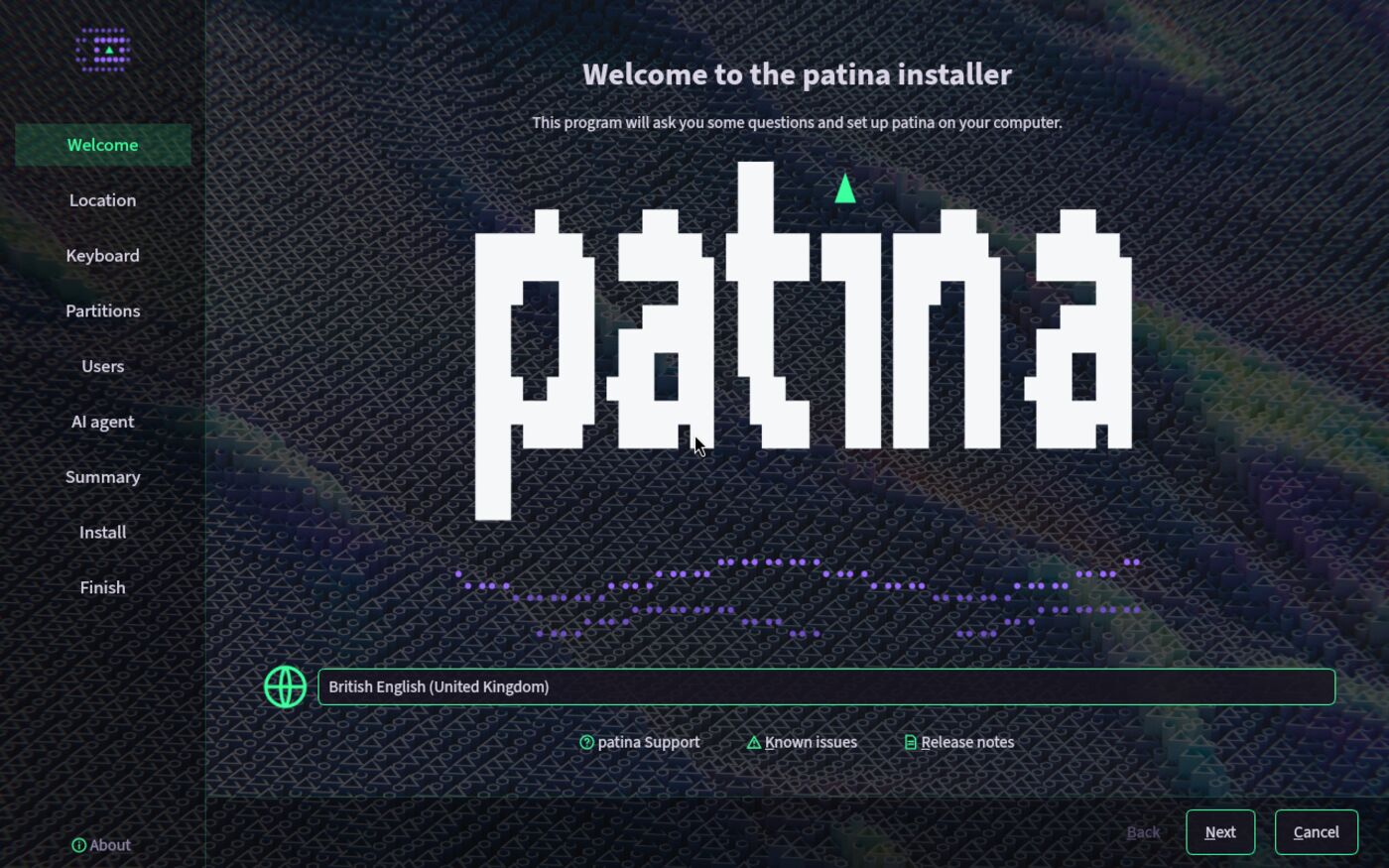
patina is in alpha, and the installer is out for testers: on x86-64 PCs, and on Windows in a virtual machine. Boot from USB or start TryPatina.exe, answer a few questions, and tell us what you see.
- Done
Alpha on Debian 13
Install Debian, run one command.
- Now
The installer, alpha
Boot from USB, answer a few questions. Out for testers, on PCs and on Windows.
- Next
Tested on ARM
Raspberry Pi and Snapdragon X Elite laptops.
- Then
Version 0.1
The first release for everyone.
Try it
Try patina today, on Windows or on a PC.
Both get the installer alpha, made for testers: expect rough edges, and tell us what you see.
Try patina for Windows
One program sets up a virtual machine, downloads patina's installer and puts patina on a virtual disk. Windows and your files stay as they are.
- Turn on the Windows Hypervisor Platform first, and keep about 40 GB free.
- It is not signed yet: SmartScreen warns once. Choose More info, then Run anyway.
The installer image
Write it to a USB stick and start your PC from it, or open it in a virtual machine. The installer fetches the rest from Debian during the install, so it needs the internet.
- Installing on a PC replaces what is on the disk you pick. Back up first.
- Check the download against
SHA256SUMSbefore you write it.
On ARM, an Apple Silicon Mac included: install Debian 13 for ARM, then run patina's install command. The ARM installer follows once it has passed its first real install.
How it is made
Made in the open.
Every line is public and GPL. patina builds on what Debian and KDE do well, and adds nothing that needs its own security team. Themes and fixes are welcome.
Follow the OS you can ask, as it takes shape.
The installer alpha is out for testers. Try it on Windows or a PC, report what you see, and star it if you want this to exist.